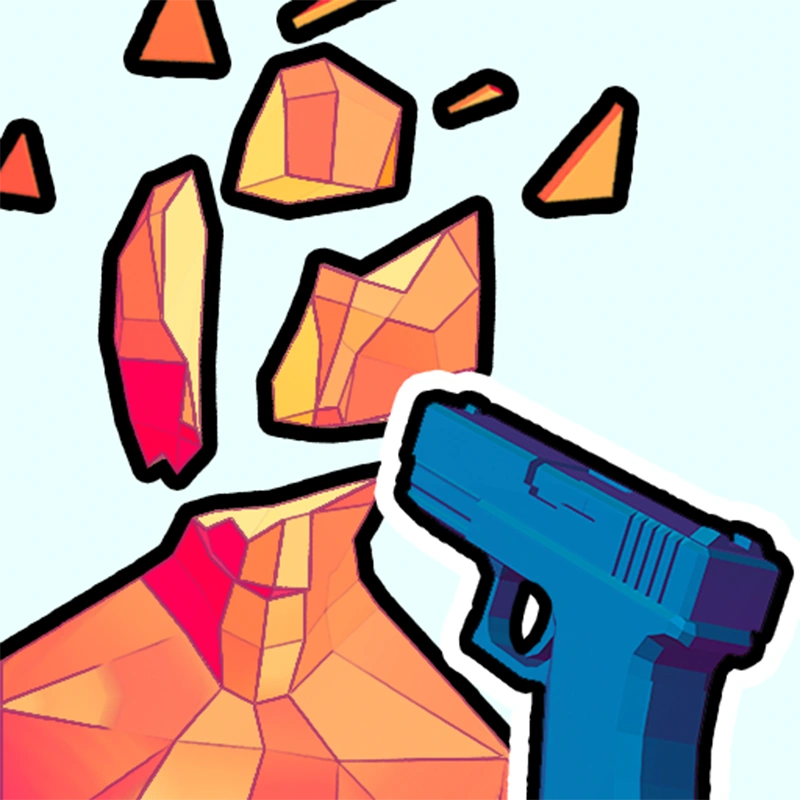
Time Shooter 2
All trademarks belong to their respective owners.
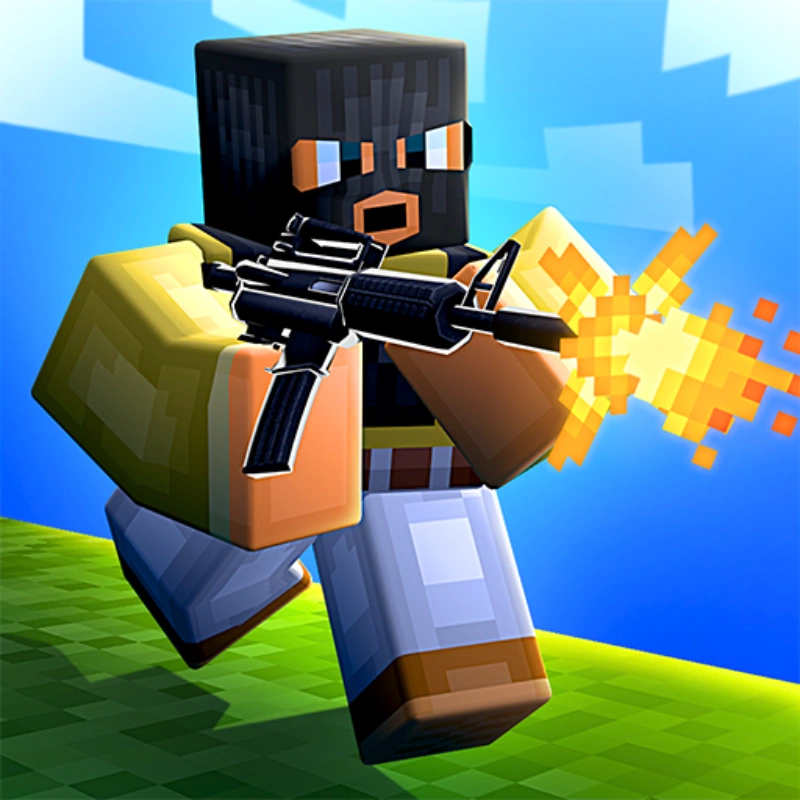
Time Shooter 2 is an innovative first-person shooter that transforms traditional action gameplay into a strategic puzzle-like experience. Unlike typical shooters where everything happens at full speed, Time Shooter 2 introduces a unique mechanic: time only moves when you move. This clever design allows players to carefully plan each action, turning intense firefights into tactical challenges that require precision and quick thinking.
In the game, players enter minimalist environments filled with enemies who attack as soon as time begins to move. Because of the time-freeze mechanic, you can pause, observe incoming bullets, and analyze the positions of enemies before making your next move. Every step forward, turn of the camera, or weapon pickup advances time, forcing you to think strategically about every action you take.
Combat in Time Shooter 2 offers a wide variety of weapons and creative options. Players can use pistols, rifles, and other firearms to eliminate enemies from a distance. In addition, many objects in the environment can be picked up and thrown as weapons, including melee tools and items found around the map. This flexibility encourages experimentation and creative combat strategies.
The slow-motion combat system also creates cinematic moments where players dodge bullets, disarm enemies, and execute perfectly timed attacks. Each level becomes a tactical puzzle where survival depends on planning, positioning, and quick reflexes.
With its clean visual style and engaging mechanics, Time Shooter 2 delivers a fresh take on the FPS genre. The combination of strategy, action, and time manipulation makes the gameplay both challenging and satisfying.
Because the game runs directly in a web browser, players can jump into the action instantly without installing anything. Whether you prefer methodical planning or fast tactical decisions, Time Shooter 2 offers a thrilling and unique shooting experience.
Controls
- WASD / Arrow Keys = Move
- Left-click = Shoot / Pick up weapon
- Right-click or R = Throw weapon or object
- Q / E = Switch weapon / Interact
- Spacebar = Jump (on supported levels)