Baldi's Basics Classic
All trademarks belong to their respective owners.
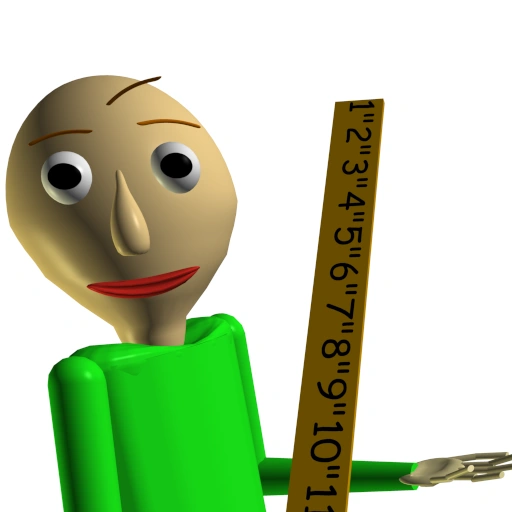
Baldi's Basics Classic is a quirky indie horror puzzle game that disguises itself as a retro educational title from the 1990s. At first glance, the game appears to be a simple math-learning program with colorful visuals and basic graphics. However, players quickly realize that the school setting hides a much darker and more chaotic challenge. Instead of peacefully studying, players must survive a strange and unpredictable environment while being chased by the game's unsettling teacher, Baldi.
The main objective of the game is to explore the school and collect seven notebooks scattered across different classrooms. Each notebook contains math problems that players must solve correctly. While the first set of questions may seem easy, the game soon introduces impossible problems that cannot be solved. When this happens, Baldi becomes angry and begins chasing the player throughout the school with increasing speed.
As players search for notebooks, they encounter a variety of bizarre characters that complicate their escape. Some characters slow you down, force you to complete mini-games, or even block your path entirely. Because of these obstacles, players must constantly think strategically, using items and planning their routes carefully to avoid getting caught.
Despite its intentionally simple graphics and retro style, Baldi's Basics Classic creates a surprisingly tense and memorable experience. The unpredictable gameplay, unusual humor, and escalating difficulty make every attempt different from the last.
What began as a small indie project quickly gained popularity thanks to its creative concept and internet appeal. Today, Baldi's Basics Classic remains a unique blend of puzzle-solving, exploration, and survival horror that continues to entertain players looking for something strange, challenging, and unexpectedly fun.
Controls
- WASD / Arrow Keys = Move
- Mouse = Look around
- Shift = Run
- Spacebar = Interact / Use items
- Esc = Pause menu